For developers who ship products with AI
Ask for one change.
Get one change.
Your spec lives in your repo. The agent builds from it instead of guessing again, so an edit stays inside its blast radius. Then foundry check fails the build when a link, a state, or a screen drifts from what the spec says.
One spec, any agent, your repo. Source available, runs on your machine, makes no model calls of its own.
60 seconds, no slides. The spec, the check, and the screens it produces.
The problem
Generating a screen is solved. Keeping forty of them coherent is not.
You ask for a filter on the notes list. You get the filter. You also get an empty state that quietly vanished, a nav entry pointing at a screen that no longer exists, and a back link that goes nowhere. Nothing warned you. You find out in front of the client, or three weeks later when you open the project again and the agent has no memory of what you built.
What you asked
"Add a filter to the notes list."
What actually moved
- +the filter, on the notes list
- -the empty state, dropped
- -nav points at a screen that no longer exists
- -the back link from the detail screen goes nowhere
How it holds
The spec is the contract. The check is the arbiter.
You write what the product does, once.
A folder of markdown in your repo: the flows, the screens, the states each one has, the edges between them, and the rules in plain prose. Your agent reads it before it builds, and writes back to it when the product changes.
spec/flows/notes.md
spec:
  screens:
    - { id: home,   states: [default, empty] }
    - { id: note,   states: [default] }
    - { id: record, states: [default], overlay: true }
  edges:
    - { from: home,   to: note,   on: open }
    - { from: note,   to: home,   on: back }
    - { from: record, to: home,   on: save }
A change is a diff you can read in review.
The spec is text in git, so a product decision shows up as a diff, gets reviewed in a pull request, and carries blame like the rest of your code. No design file to open, no export to chase.
spec/flows/notes.md
   - { id: home, states: [default, empty] }
+  - { id: filter, states: [default], overlay: true }
   edges:
+    - { from: home,   to: filter, on: open-filter }
-    - { from: record, to: home,   on: save }
The check answers, and it is not an opinion.
Every edge lands on a real screen, every overlay has a way out, every nav entry points at a flow that exists, and nothing is orphaned. It exits non zero when it does not hold, so the machine has the final say rather than your memory.
$ foundry check
✗ [overlay-has-exit] notes/filter: overlay "filter" has no outgoing edge to dismiss it
✗ [overlay-has-exit] notes/record: overlay "record" has no outgoing edge to dismiss it

failed: 2 errors, 0 warnings

$ foundry check
ok: spec is coherent
In your pipeline
It fails the build, not the demo.
foundry check is a plain CLI with an exit code, so the guarantee holds on every push, for every contributor, and for every agent session. The spec stops being documentation the day the pipeline starts enforcing it.
.github/workflows/spec.yml
- run: foundry check
  # exits 1 when the spec breaks
What comes out
Specs you can click through.
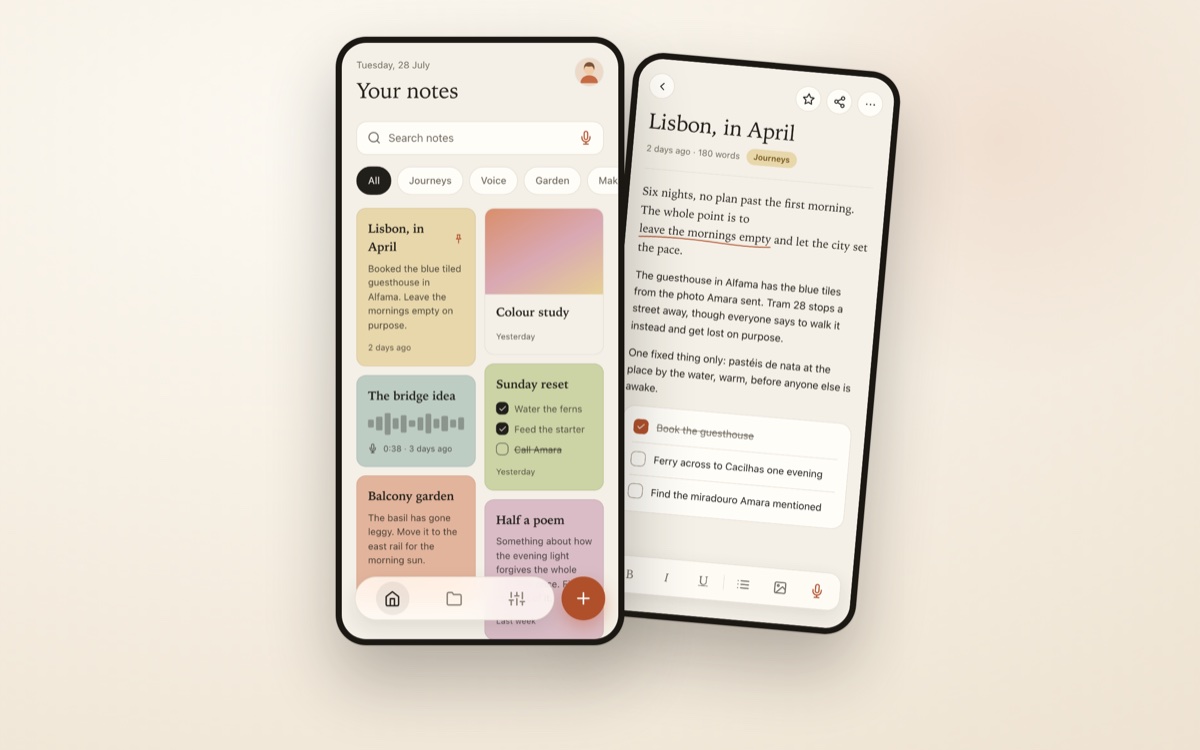
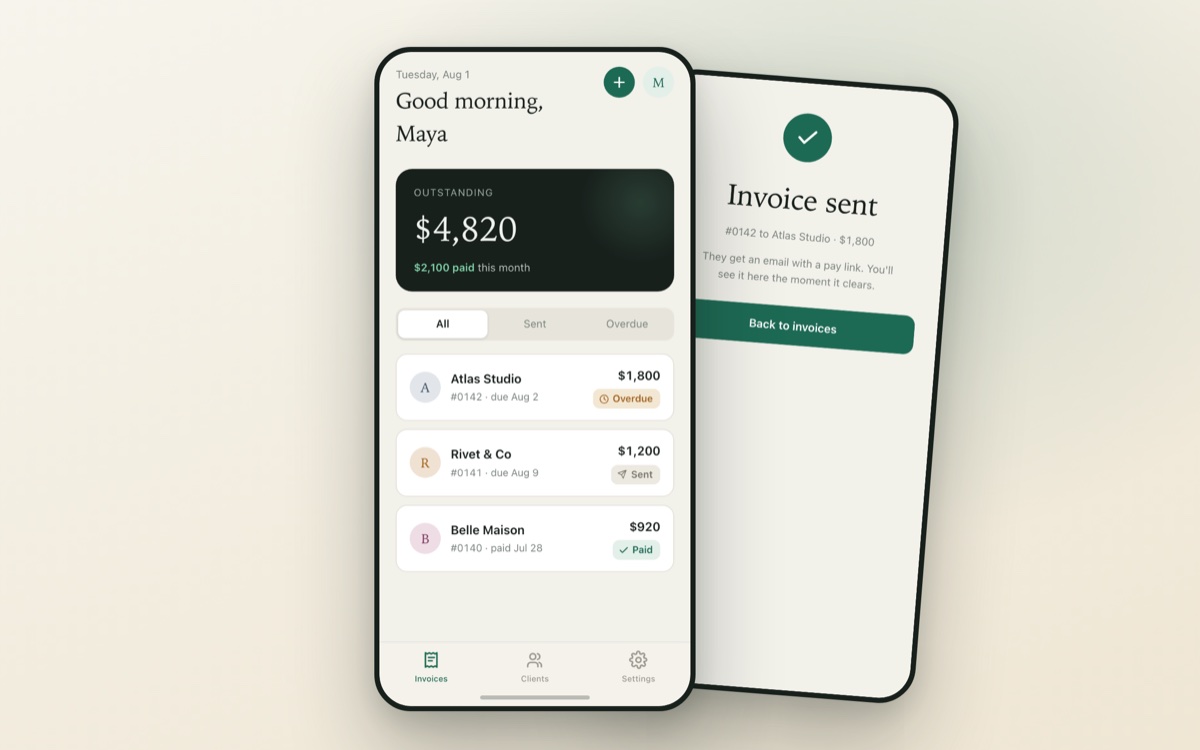
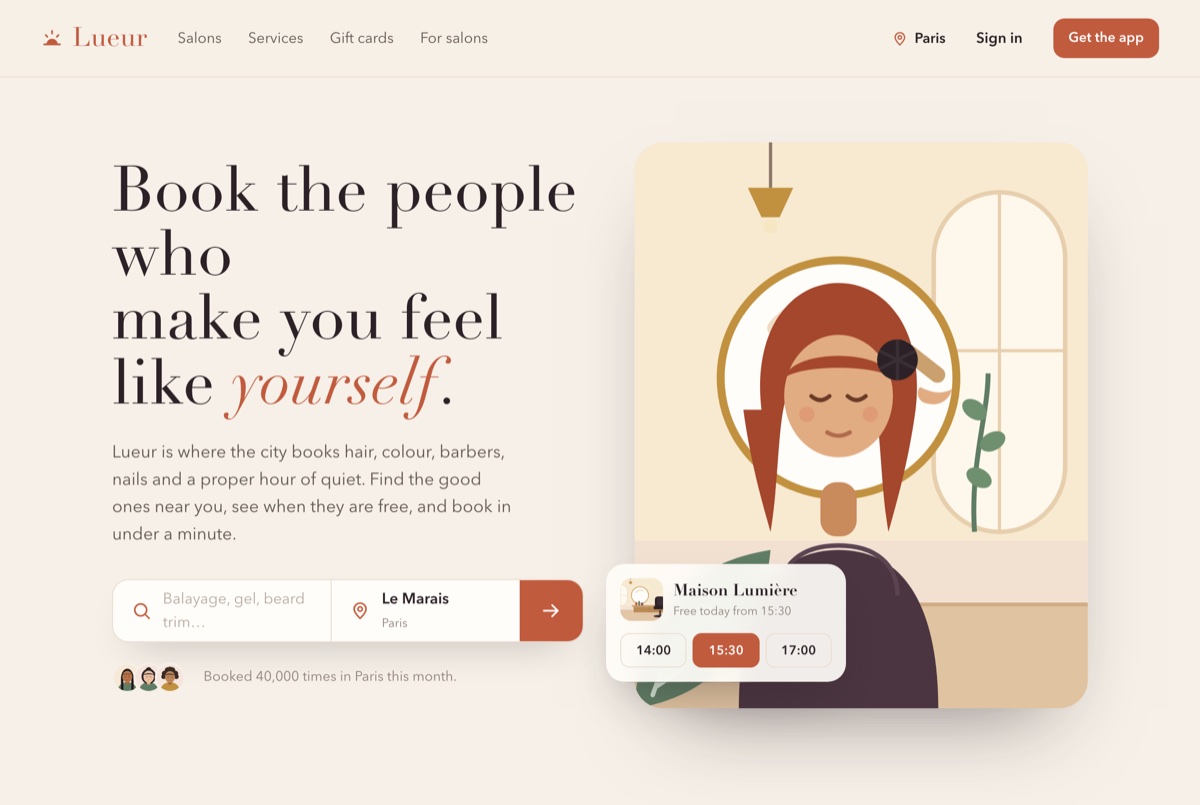
Every screen renders as a navigable canvas and a clickable prototype, from the same spec the check verifies. These are real projects, spec and screens, built with Foundry.

Where it runs
On your machine, in your repo, with your agent.
- Any agent
- Markdown plus YAML and a deterministic CLI. Conventions ship for Claude Code, Cursor and anything that reads an
AGENTS.md. Nothing here depends on one vendor. - Local by default
- Your spec and your screens are files in your repository. No account to render them, no service to keep them alive, your own key when a model is involved.
- Source available
- Read it, run it, fork it for your own work. Each version turns into Apache 2.0 two years after its release.
Where it comes from
Extracted from the workflow behind these.
Foundry is not a side project looking for a use. It is the discipline the studio behind it already uses to ship client work: a brief becomes a spec, the spec becomes the screens the client signs off, then the app itself. These four are live in production.
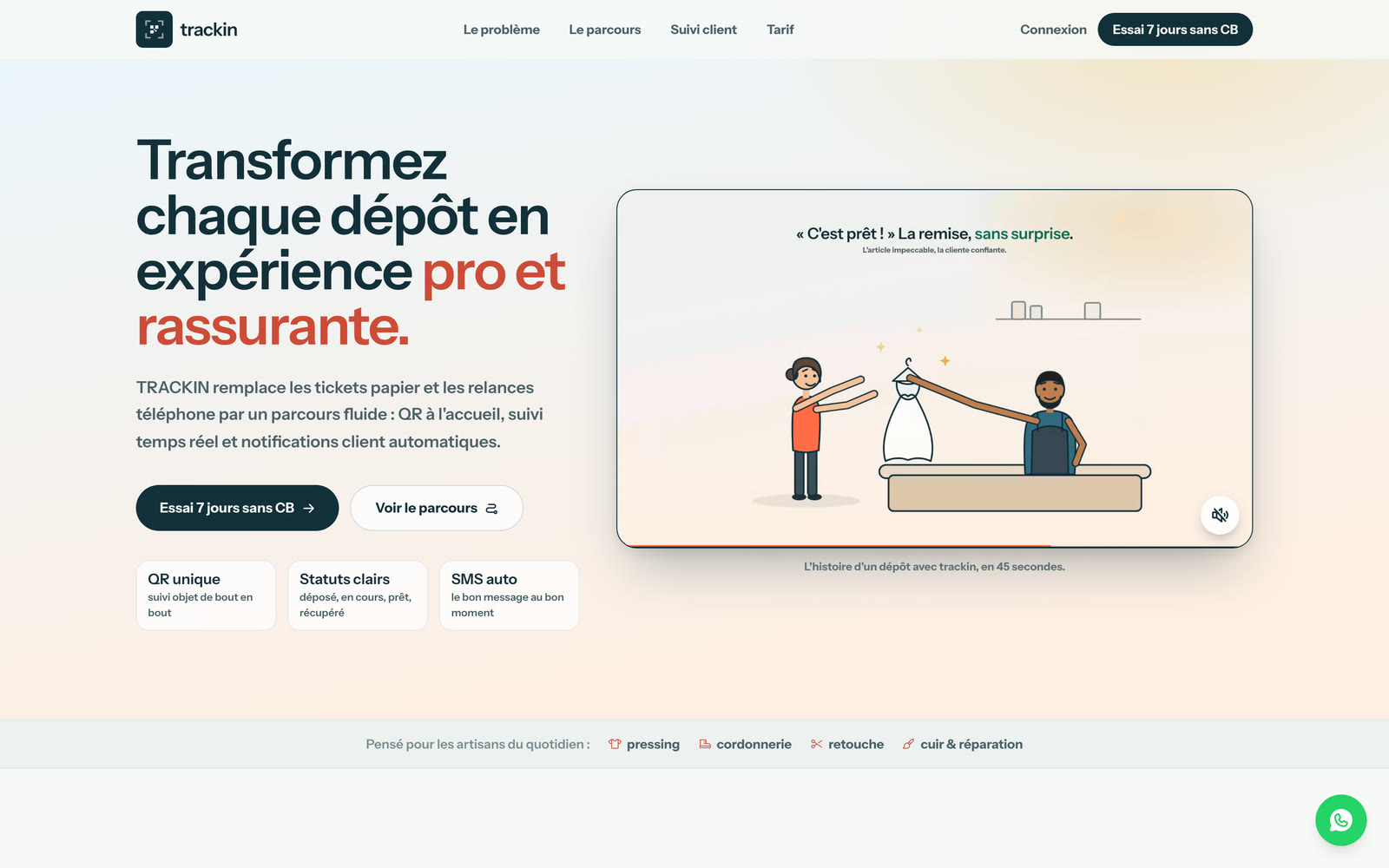
QR intake, live repair status, and the SMS that tells the client their order is ready.
trackin.fr ↗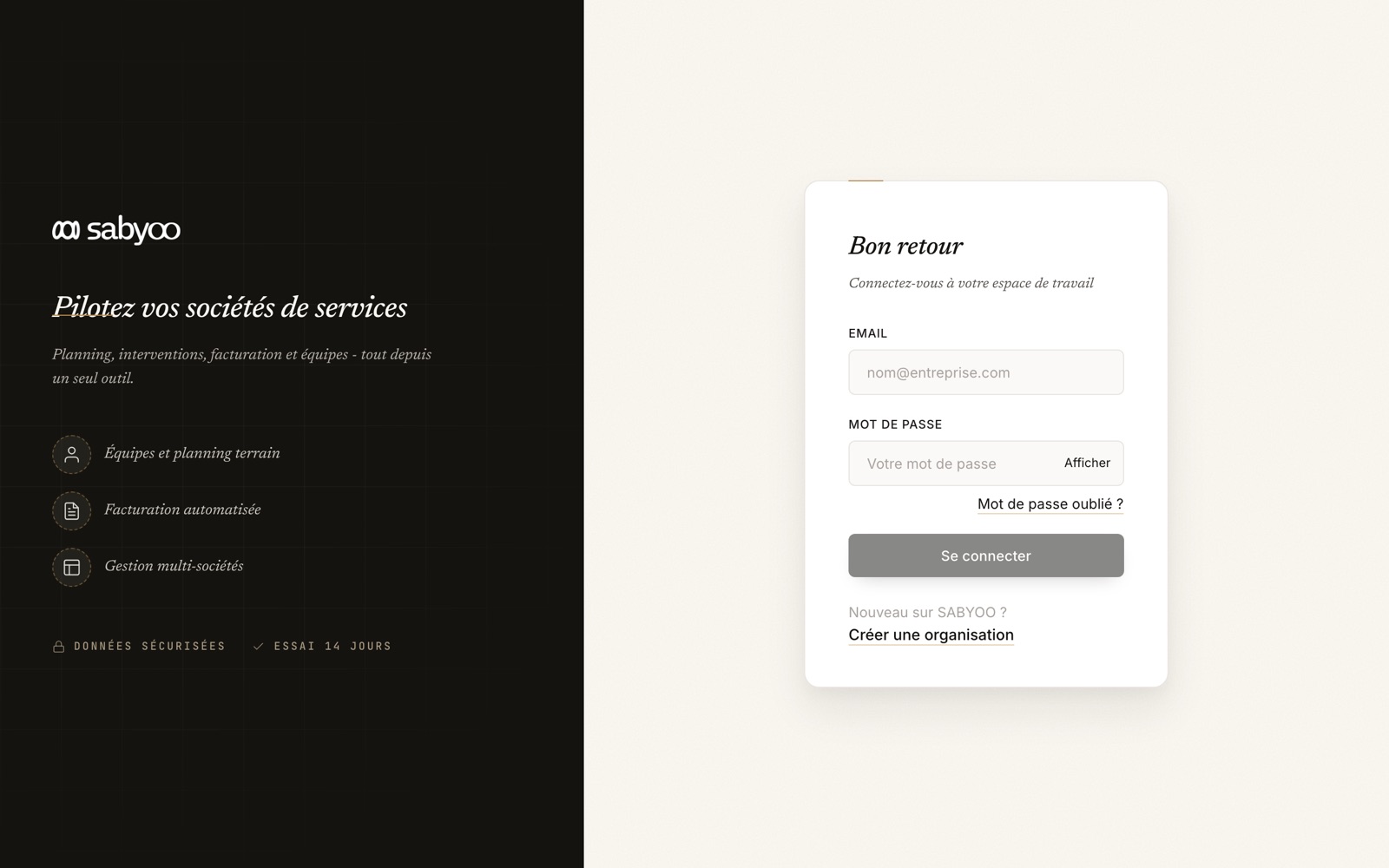
Planning, timesheets and invoicing for service companies, run across many sites at once.
app.sabyoo.com ↗
Night watch, patrols and premises security, presented with the calm of a control room.
lumelys-protect.fr ↗
Book a verified salon without calling. Search by service, neighbourhood and availability.
placyapp.com ↗Later, when a client is involved
Hand them a link, not a repository.
Everything above runs locally and stays free. Foundry Cloud adds the one part a CLI cannot do: publish a project to a private link with an access code, let the client click through it and leave comments, and keep every published version. It is in a small private beta.
Start with the spec.
The core is free and source available, so there is nothing to sign up for. Install it, run foundry init, and point your agent at the spec.
Building products with AI and running into the same drift? I want to hear about it. The private beta of the client link goes out the same way.